Best IT & Computer Courses in Kandhkot (2026 Guide)
DIT, CIT, Office Automation, Graphic Designing, Web Development - which course is right for you? Compare duration, fees and job scope in District Kashmore.
Read article →
KineTEX Blog
Practical articles about computer courses, admissions, fees, career scope and technical education in Kandhkot, District Kashmore, Sindh.
Latest Articles
Honest, local guidance to help students and parents in Kandhkot choose the right IT course.
DIT, CIT, Office Automation, Graphic Designing, Web Development - which course is right for you? Compare duration, fees and job scope in District Kashmore.
Read article →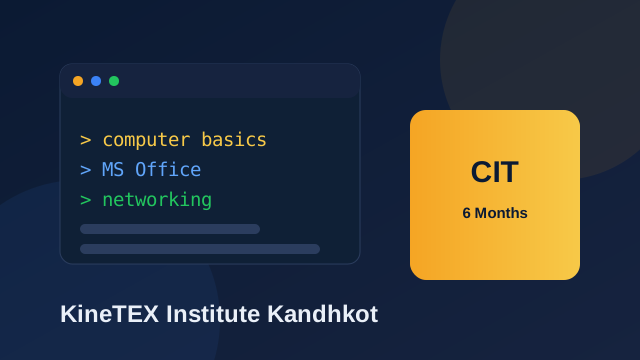
What you learn in CIT, who should join, duration and career options after this six-month Certificate in Information Technology.
Read article →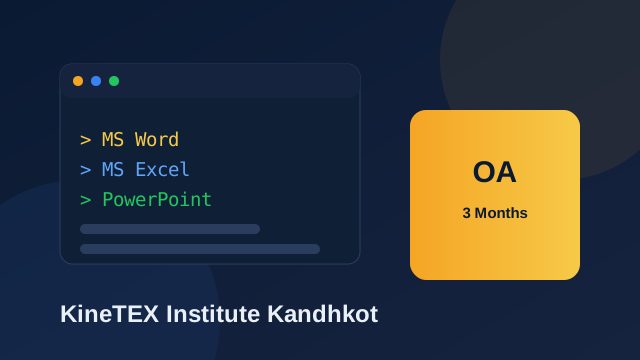
MS Word, Excel, PowerPoint and typing - practical office skills you can learn in a three-month Office Automation course.
Read article →
Learn design tools, responsive websites and how to build a portfolio for freelance and local design work.
Read article →
Logic building, core concepts and problem solving - the foundation for a software career, taught from the basics.
Read article →
Complete step-by-step guide to DIT admission at KineTEX Institute Kandhkot - eligibility, required documents, fee structure and how to apply online.
Read article →
How much do computer courses cost in Kandhkot, and what can you earn after completing a diploma? Real numbers, installments and career options explained.
Read article →
AI, web development and SEO workshops, live student projects and the certificate & degree distribution ceremony at KineTEX Institute Kandhkot.
Read article →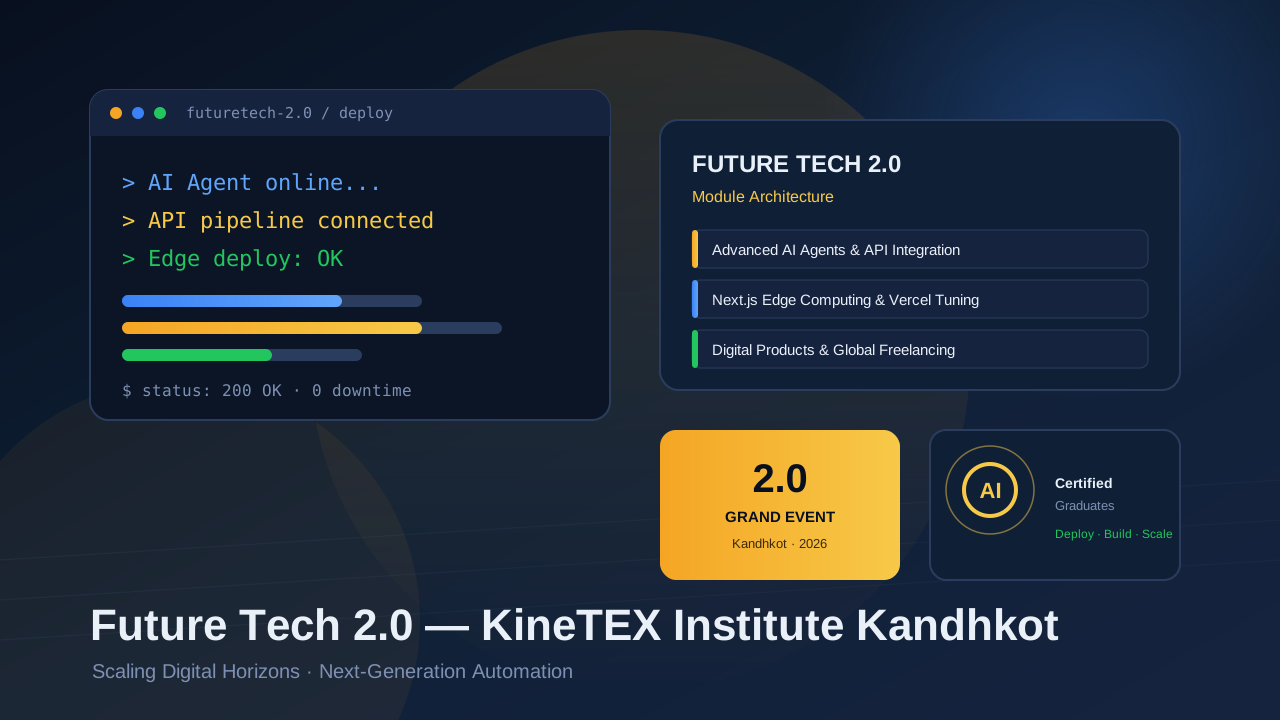
AI agents, Next.js edge computing and global freelancing workshops, live student projects and the certificate ceremony at KineTEX Institute Kandhkot.
Read article →
Charles Babbage is known as the father of the computer. Learn about his Analytical Engine and why he is remembered today.
Read article →
The keyboard is the main input device of a computer. Learn its history, key parts and types.
Read article →
The CPU is the brain of the computer. Learn what it does and its main parts.
Read article →
AI is the field of computer science building systems that reason, learn and decide. Learn AI subfields, history, benefits and risks.
Read article →
A monitor is the output device that displays text and images. Learn its types and key features.
Read article →
A mouse is a pointing device that moves the cursor. Learn its history, parts and types.
Read article →
RAM is a computer's short-term memory. Learn how it works and why more RAM helps.
Read article →
Vint Cerf and Bob Kahn are known as the fathers of the Internet for creating TCP/IP.
Read article →
A printer produces physical copies of digital documents. Learn its types and uses.
Read article →
An operating system manages a computer's hardware and programs. Learn about Windows, Linux and macOS.
Read article →
The motherboard connects all parts of a computer. Learn what it does and its key components.
Read article →
Software is a set of instructions that tells a computer what to do. Learn about system and application software.
Read article →
Hardware is the physical part of a computer. Learn about input, output, processing and storage devices.
Read article →
The Internet is a global network connecting millions of computers. Learn how it works and what it offers.
Read article →
A web browser is software used to access websites. Learn about Chrome, Firefox, Edge and key features.
Read article →
Email is a fast, free way to send messages over the Internet. Learn how it works and why it matters for work.
Read article →
A USB flash drive is a small portable storage device. Learn how it works and how to keep data safe.
Read article →
A hard drive is a computer's main storage. Learn the difference between HDD and SSD.
Read article →
A graphics card (GPU) processes images and video. Learn what it does and who needs one.
Read article →
Wi-Fi connects devices to the Internet without cables. Learn how it works and how to stay secure.
Read article →
Cloud storage keeps your files on the Internet. Learn how it works and popular services like Google Drive.
Read article →Secure your place in a government-recognized IT or technical diploma. Installments and scholarships are available for deserving students.